What RON Provider Should I Use on My Florida RON Application?
What RON Provider Should I Use on My Florida RON Application? If you’re a Florida notary preparing to become a Remote Online Notary (RON), there’s one question that almost always comes up during the application process:
Key Takeaways
- •Florida requires a RON platform on your application
- •You can list Notaron as your provider
- •No full setup required before submission
- •Approval comes first, onboarding comes after
- •Choosing the right platform avoids delays
Florida Notaries: You Can Use Notaron on Your RON Application
If you’re a Florida notary preparing to become a Remote Online Notary (RON), there’s one question that almost always comes up during the application process:
“What platform do I list as my RON provider?”
Here’s the answer:
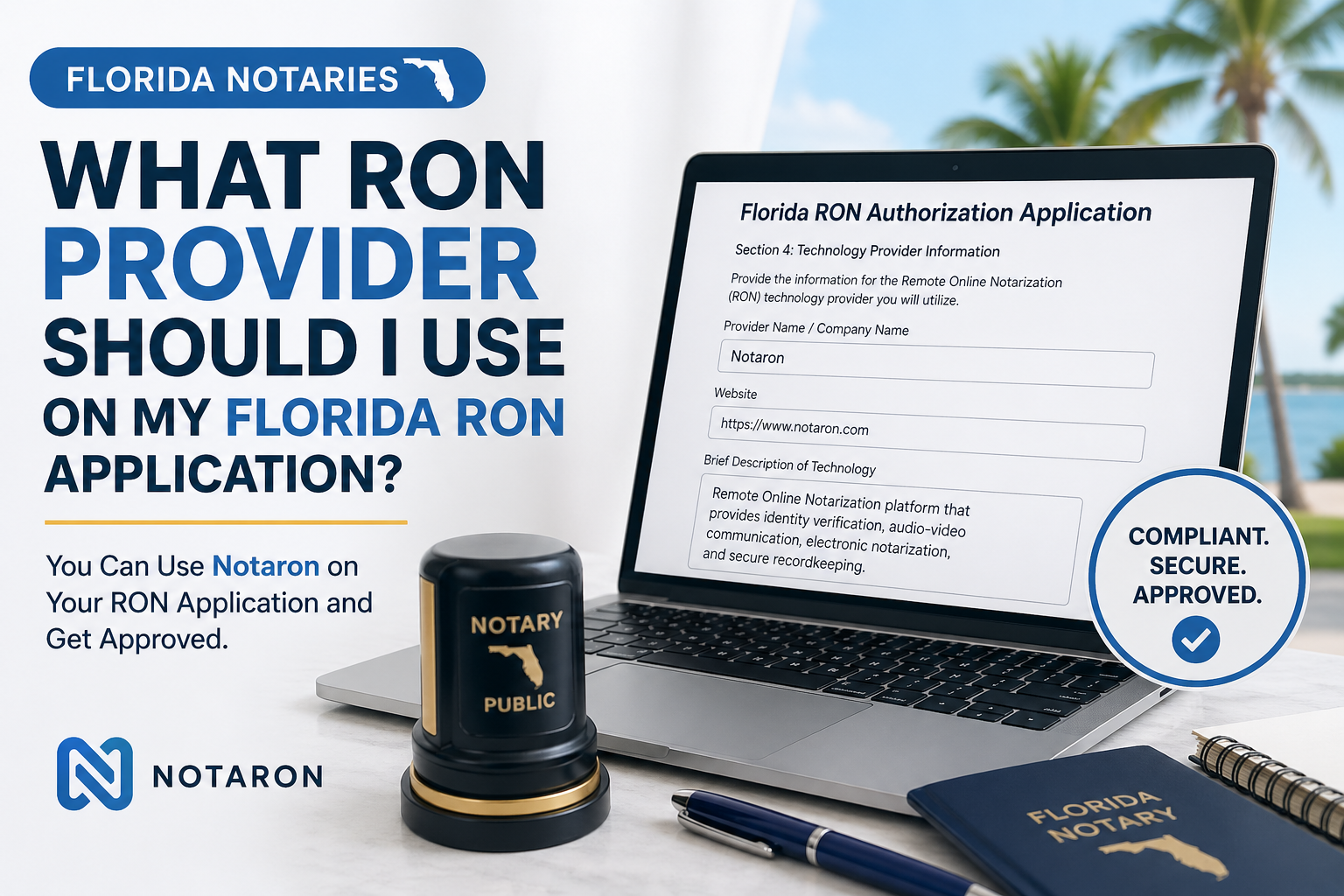
You can list www.Notaron.com on your Florida RON application. Notaron is a Florida approved RON provider and we allow you to signup for free.
Why This Matters
Florida requires notaries applying for Remote Online Notarization to identify the technology provider they plan to use.
This isn’t just a formality — the state wants to ensure that your platform supports:
Identity verification (credential analysis + biometrics) Secure audio/video sessions Tamper-evident digital documents Proper recordkeeping and compliance
If you don’t list a provider, or you’re unsure what to put, your application can get delayed/refused.
Using Notaron on Your Application
When completing your Florida RON registration, you can confidently list:
Platform Provider: Notaron.com
That’s it.
No complicated setup required before submission.
Do You Need an Account First?
No.
You do not need to:
Fully set up your account Complete onboarding Run a live demo session
before submitting your RON application.
Most notaries choose their platform first, submit their application, and finalize setup once approved.
Why Florida Notaries Are Choosing Notaron
Florida has one of the stricter RON frameworks in the country. That means your platform matters.
Notaries are choosing Notaron because it’s built to support:
Florida-compliant RON workflows Clean, simple session experience Secure document handling Real-time notarization from anywhere
More importantly — it’s designed for notaries who want to actually use RON daily, not just get approved.
What Happens After You’re Approved?
Once your RON authorization is approved by the state:
Log into Notaron Complete your profile Upload your digital RON authorization Wait for application review Start accepting online notarizations
That’s it — you’re live.
Frequently Asked Questions
What platform do I put for Florida RON application?
You must list a Remote Online Notarization platform. Notaron can be used as your provider.
Can I submit my RON application without choosing a platform?
No. Florida requires you to identify the technology provider you plan to use.
Do I need to be fully set up before applying?
No. You can list your provider first and complete final setup after approval.